
Finding Parts
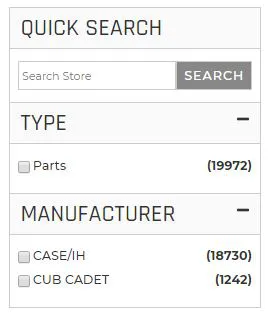
The easiest way to find parts is by utilizing the built in Quick Search within the left-hand site of the cart. The most successful way to find the parts you need is by using solid keywords, but even better is to use the actual part number. You can also find parts by filtering Type or Manufacturer. You can also browse through the parts using the buttons at the bottom of the page.
Buying Parts

Above is a general part listings. As you can see, an image of the part is available to view, the name and part number, manufacturer and a brief description. This listing will also show you how many are in-stock, the price and an "Add to Cart" option. When you are ready to buy a part, simply click the down arrow in the number field, select how many of that part you would like to purchase and click Add to Cart.
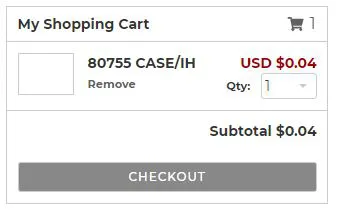
After you click the "Add to Cart" button, this will immediately go into your shopping cart in the upper right hand corner. When you are ready to checkout you can view the items in your cart here and proceed to checkout in this area.
Checkout
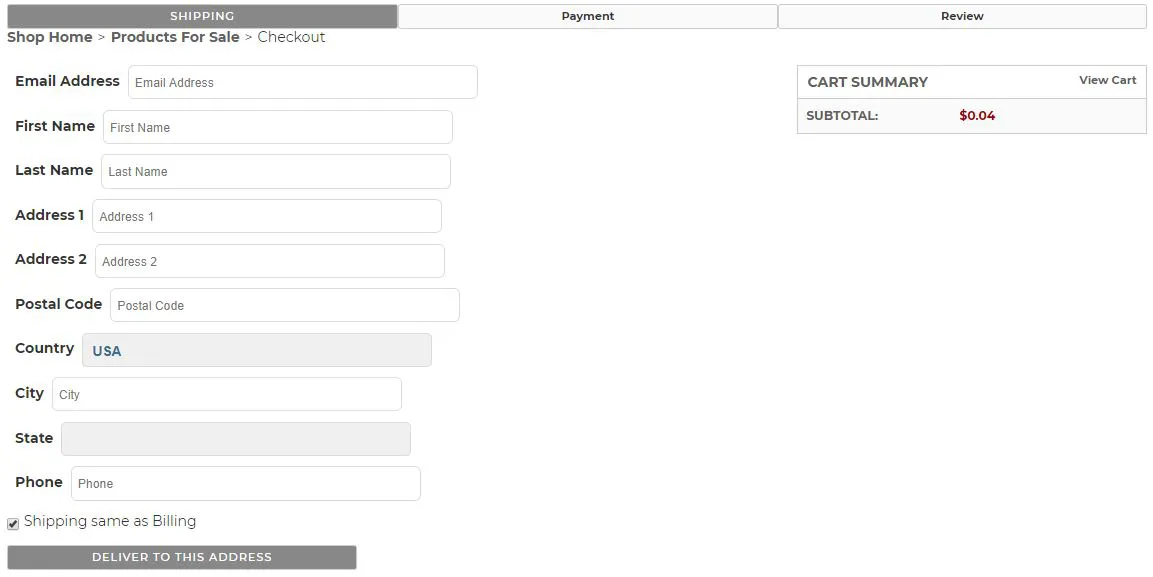
When you've selected all the items that you would like to purchase, and you are ready to check-out. Simply reference the My Shopping Cart area in the upper-right-hand corner and click Checkout . (An image of the "My Shopping Cart" section is in the above section). An image of the checkout screen is below.
Payment
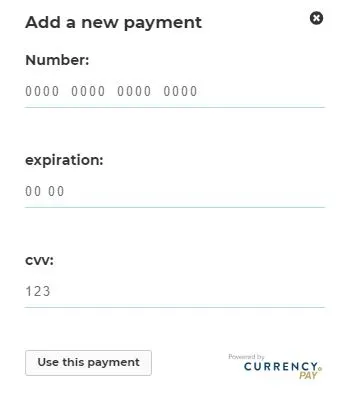
On the payment step, you will click Add New Payment and enter your payment information in the pop up box. See what the payment box looks like below.